Server Configuration – Project Archive
The Project Archiving section of the Server Configuration Portal allows you to configure the period of time a project is dormant before it is archived automatically.
An archived project still exists in the Expert Estimation database, but in a compressed form. Inside the application, archived projects are shown with a lower opacity. Opening an archived project will restore it to its complete state.
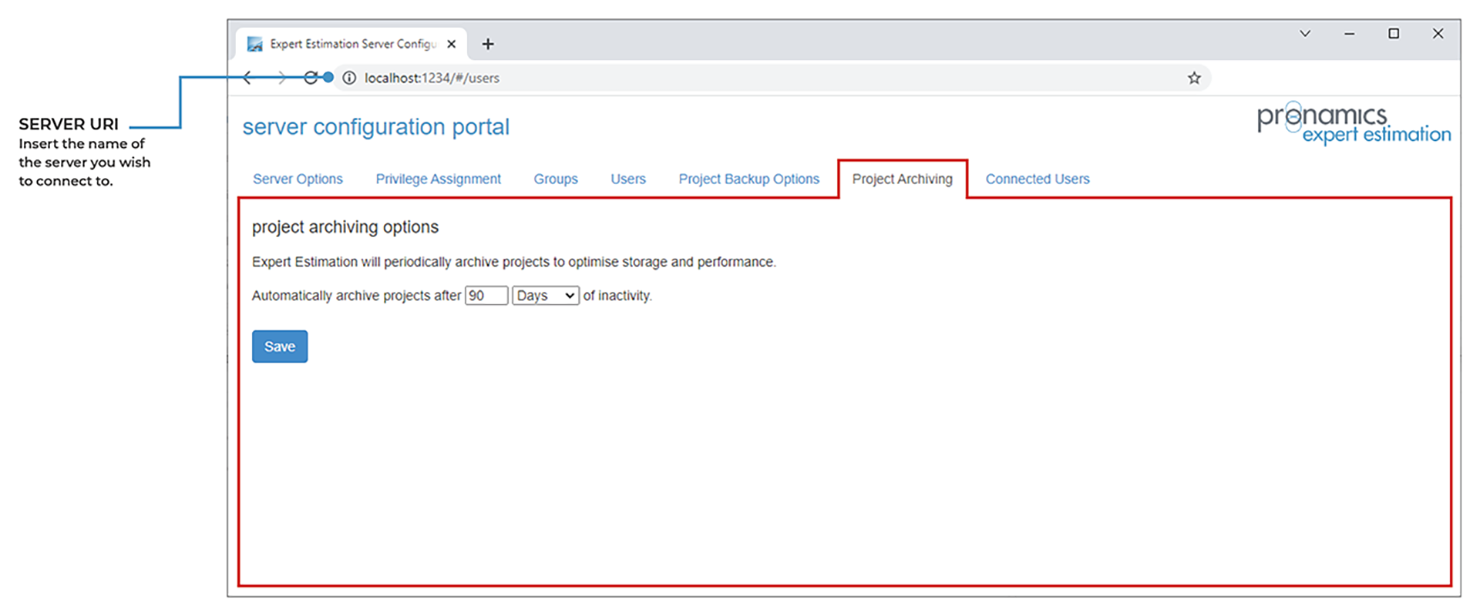
Server Configuration - Project Archiving tab
The archiving process is completed by exporting a copy of the project at that point in time. This is stored within the Expert Estimation database, with minimal information regarding the project maintained.
The primary purpose of Project Archiving is to optimise storage and performance, with the most benefit being seen during an upgrade.
The period of time before a Project is archived is customisable between days and months, with the shortest time period being 1 day. In this situation, after approximately 24 hours of a project not being used, it would be archived.
Projects are identified as used if they are physically opened, exported, copied or referenced by another project or used as a template.